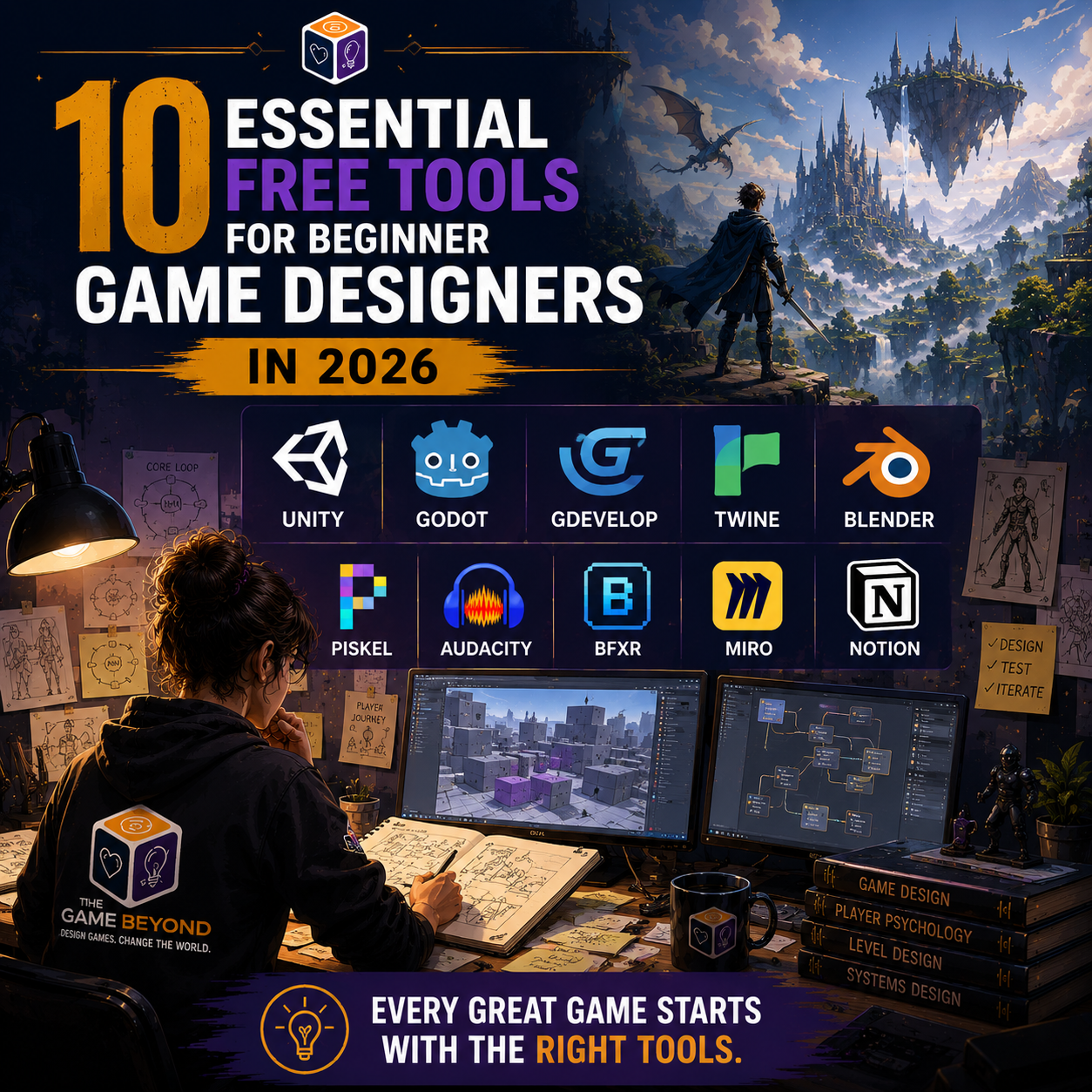
10 Essential Free Tools for Beginner Game Designers in 2026
There has never been a better time to start making video games. Just a decade ago, you needed thousands of dollars in licensing fees and advanced programming knowledge to build anything playable.
Today, the exact same software used by award-winning indie studios and AAA developers is available to download completely free.
Whether you want to build a sprawling RPG, a quirky 2D puzzle game, or a rich text adventure, these ten free tools will help you bring your ideas to life.
Game Engines & Frameworks
1. Unity
Best for: 2D, 3D, and cross-platform publishing.
Why use it: Unity is the industry standard for indie game development. Games like Hollow Knight, Cuphead, and Genshin Impact were built in Unity. It has a massive community, meaning if you ever get stuck, there are thousands of tutorials available online.
2. Godot
Best for: Lightweight 2D games and lightweight 3D.
Why use it: Godot is completely open-source and free, with no royalty fees ever. It is incredibly lightweight, starts up in seconds, and features a brilliant "node" system that makes organizing your game's logic intuitive for beginners.
3. GDevelop
Best for: Code-free visual scripting.
Why use it: If the thought of writing code terrifies you, GDevelop is the perfect entry point. It uses an event-based visual system that lets you build games logic using simple "If/Then" blocks.
4. Twine
Best for: Interactive fiction, RPG branching paths, and text adventures.
Why use it: Twine is an incredibly simple, open-source tool for telling interactive, nonlinear stories. It’s an amazing way to prototype a game's story, dialogue trees, and narrative choices before coding them.
Art & Asset Creation
5. Blender
Best for: 3D modeling, rigging, and animation.
Why use it: Blender is a powerhouse. It rival tools that cost thousands of dollars a year. It can handle everything from sculpting stylized low-poly characters to rendering hyper-realistic environments.
6. Piskel
Best for: 2D pixel art and sprite animation.
Why use it: An easy-to-use, web-based tool for creating pixel art. You can draw your characters and animate them frame-by-frame directly in your browser.
Audio & Sound Effects
7. Audacity
Best for: Recording, editing, and mixing sound effects.
Why use it: Audio is 50% of the game experience. Audacity lets you import real-world sounds, clean up background noise, and add reverb, pitch shifts, and echo to make your sound design feel alive.
8. jsfxr / bfxr
Best for: Instantly generating 8-bit retro sound effects.
Why use it: Need a jump sound, an explosion, or a coin pickup sound in three seconds? This web tool lets you click a button and automatically generate customizable retro sound effects.
Brainstorming & Documentation
9. Miro or OMNIGroup (FOR MAC)
Best for: Mind mapping, flowcharts, and level layouts.
Why use it: Before building, you need to map out your core loop, flowcharts, and level paths. Miro gives you an infinite digital whiteboard to brainstorm ideas and organize your thoughts visually.
10. Notion
Best for: Writing your Game Design Document (GDD).
Why use it: Notion is an incredible workspace organizer. You can use it to build database wikis for your characters, track your development tasks, and outline your game mechanics in a clean, searchable format.
Ready to Build?
Having the tools is only half the battle; knowing how to use them to create actual fun is the real secret.
To help you get started, we’ve bundled together structural templates, checklists, and step-by-step guides inside our Free Game Design Starter Kit. Download it now and build your first game concept today!