How to Create a Game Design Document (+ Free Template)
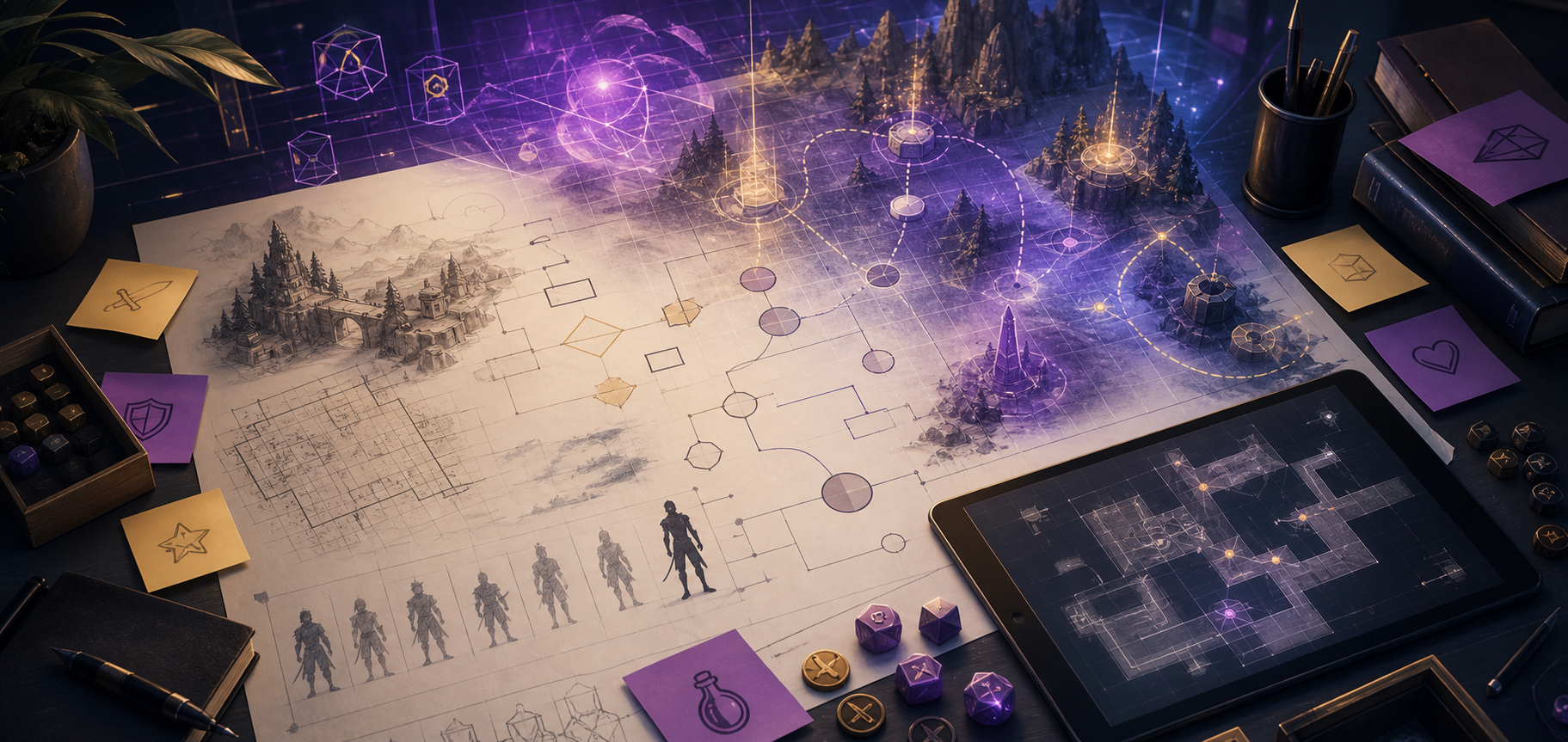
If you are building a house, you don’t just buy wood and start nailing boards together. You start with a blueprint.
In video game development, that blueprint is called a Game Design Document (GDD).
Without a GDD, projects fall victim to "scope creep," developers lose track of how mechanics interact, and teams waste months building features that don't fit the vision.
Whether you are a solo developer working in your bedroom or leading a team of ten, writing a solid GDD is the difference between completing your game and abandoning it.
Here is exactly how to create a professional Game Design Document.
What is a Game Design Document (GDD)?
A GDD is a living, breathing document that describes everything your game is, how it works, and how it will be built. It is not a static PDF designed to sit on a virtual shelf. It should change and evolve as you playtest and refine your prototype.
A great GDD should answer three simple questions for anyone working on the game:
What are we making? (The Core Concept & Vision)
How does it play? (Mechanics & Systems)
What does it look and sound like? (Aesthetics & Audio)
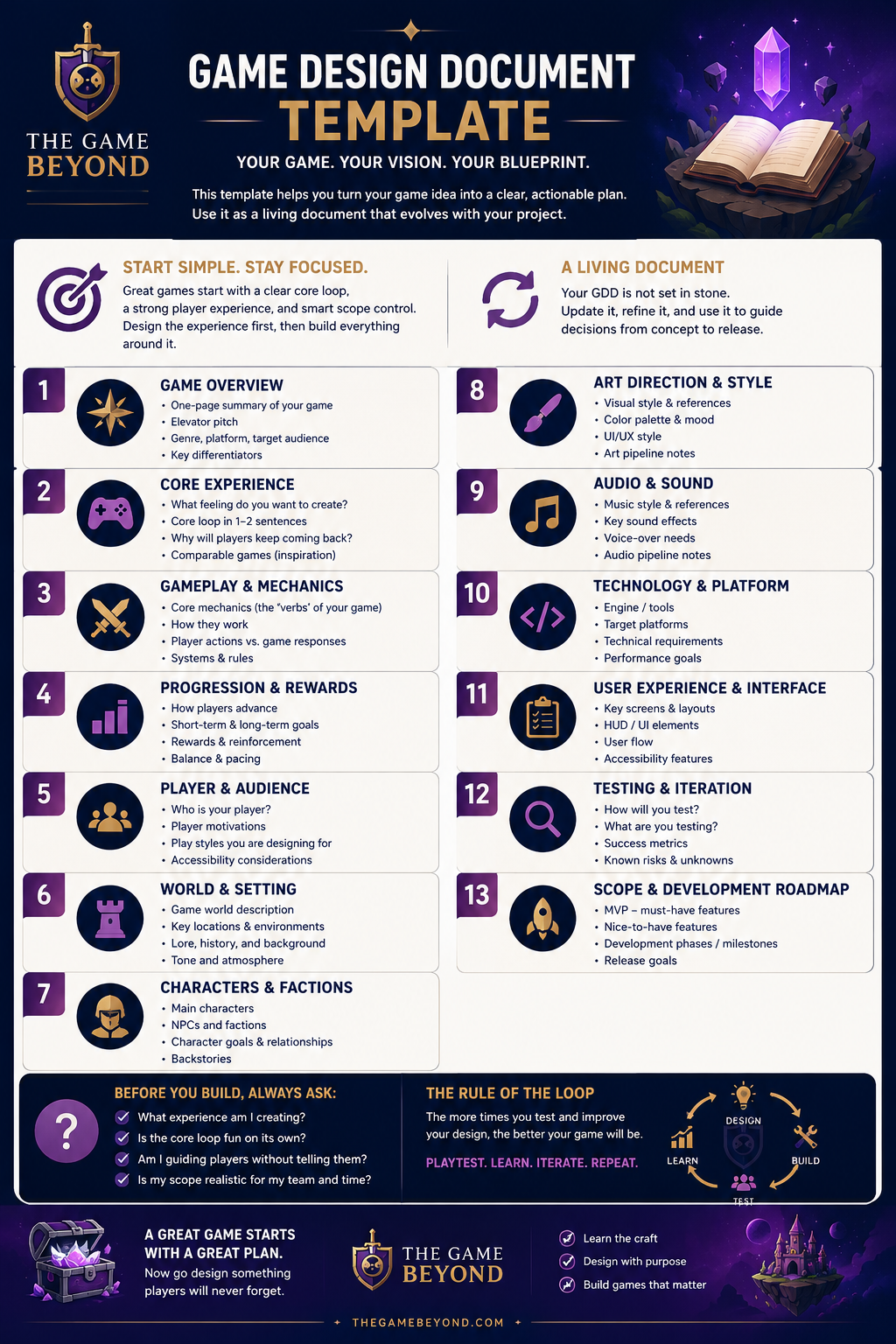
Step-by-Step GDD Blueprint
Section 1: Executive Summary
Think of this as your game's landing page. If a publisher or potential teammate only reads this section, they should fully understand the core appeal.
Game Title: (Working title)
Platform: (PC, Mobile, Console, VR)
Genre: (e.g., 2D Metroidvania, First-Person Serious Game)
Target Audience: (Who is this game for?)
The Elevator Pitch: One sentence describing the core hook.
The Gameplay Loop: A 3-step loop summarizing the main cycle of action. (e.g., Explore dark caves Gather resources Craft light sources to explore deeper).
Section 2: Core Gameplay & Mechanics
This is the heart of your document. You need to explicitly detail every action the player can perform.
Player Movement: How does the player navigate the world? Describe speed, physics, and feel. Does jumping have variable height based on button hold?
Core Systems: If your game has combat, inventory, or crafting systems, map out how they function. Use flowcharts to show the relationship between systems.
Game Loop & Progression: How does the player win or lose? What are the reward loops that incentivize them to keep playing?
Section 3: Player Guidance & Affordances
Do not rely on text tutorials. Explicitly state how the game environment will teach the player how to interact with the world.
Visual Language: How do we communicate danger vs. safety? (e.g., Red elements indicate environmental hazards; green elements indicate interactive healing sources).
Climbing & Navigation: How does the player know what surfaces are interactable? Map out the visual signifiers (e.g., worn rope markings on walls).
Section 4: Game World & Aesthetics
Define the aesthetic goals of your game to ensure your art and audio teams are moving in the exact same direction.
Art Style: (e.g., Low-poly 3D, neon cyberpunk pixel art, hand-drawn watercolor)
Color Palette: Establish a primary, secondary, and accent color scheme.
Audio & Sound Design: What emotions should the music and sound effects evoke? Describe the style (e.g., dark, ambient synth wave vs. upbeat, orchestral fantasy).
Download Your Free Game Design Document Template
Don't start from a blank page. We’ve done the heavy lifting and built a clean, modular Game Design Document Template in Notion and Markdown formats. It’s the exact framework we use to design award-winning serious games and commercial indie projects.