

Show, Don't Tell
Think back to the most immersive game worlds you have ever explored. You were likely never greeted by massive, immersion-breaking text boxes detailing step-by-step instructions on how to navigate the space. Instead, you took one look at the environment geometry and instinctively knew where to go and what to do.
This is the power of cognitive affordances—the art of guiding player behavior and teaching complex game rules without using a single word.
Relying on forced text overlays or pausing gameplay for drawn-out tutorials is often a sign of lazy design. When you respect the player's intelligence and utilize perceptual cues, learning becomes an organic, enjoyable part of the gameplay loop.
What Is an Affordance?
In physical design, an affordance is a visual or physical property of an object that instinctively signals how it should be used. A door handle affords pulling; a flat metal plate affords pushing.
In digital game design, cognitive affordances act as signifiers that communicate function, threat, and direction directly to the player's brain:
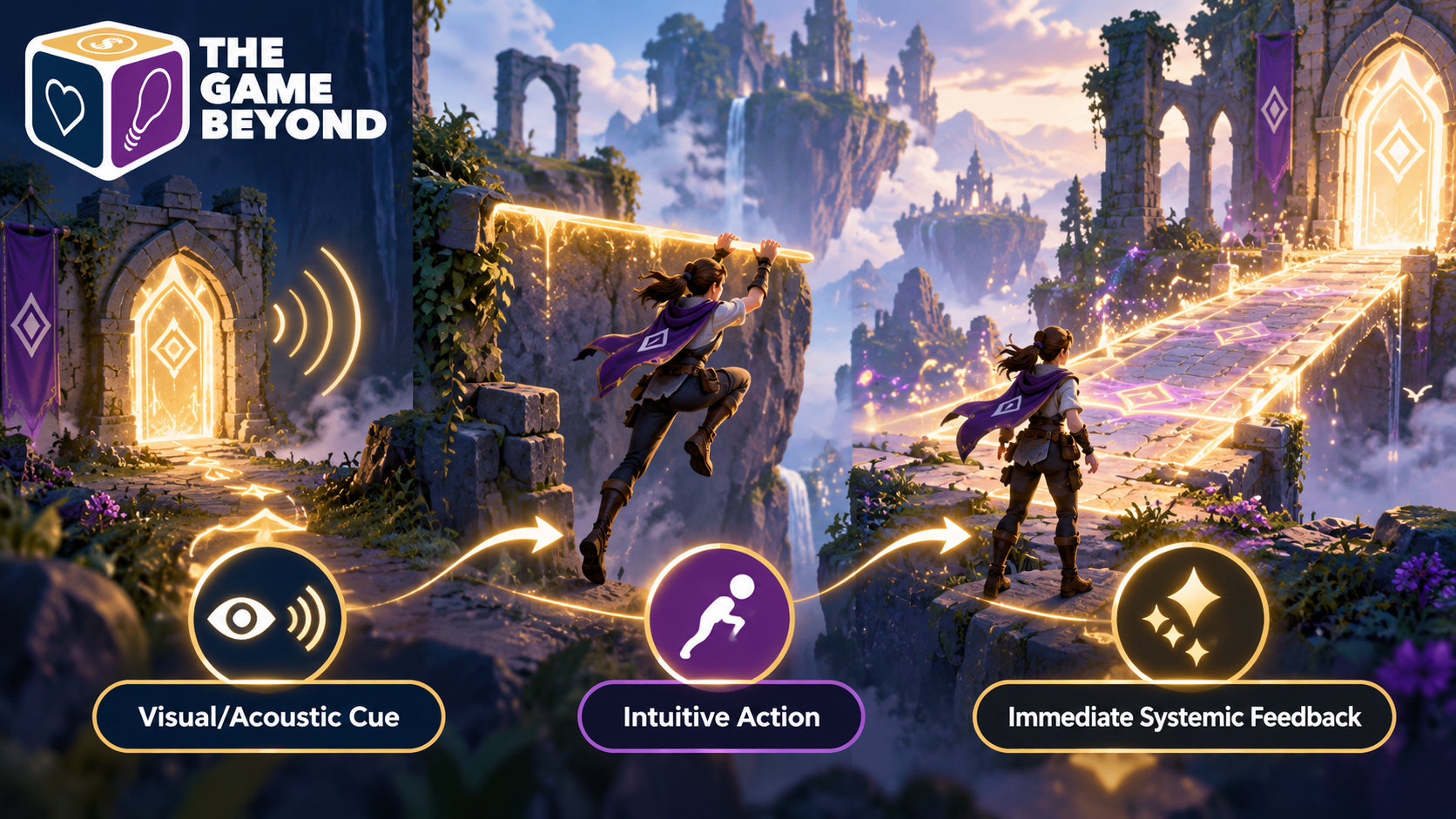
The 3 Categories of Wordless Guidance
1. Visual & Lighting Affordances
The human eye is naturally wired to search for contrast, light, and familiar color patterns:
High-Contrast Spotlights: In dark or complex environments, a soft spotlight or burning torch naturally draws player attention toward primary paths or critical objectives.
Consistent Material Language: Assigning specific visual signatures across your world—such as yellow paint, weathered wood, or oxidized moss on climbable surfaces—creates an instant mental model that players scan for automatically.
Framing and Geometry: Structuring doorways, arches, and natural rock formations to frame distant points of interest subtly tells the player, "There is something important over there."
2. Physical Constraints & Spatial Affordances
By designing environment geometry thoughtfully, you can narrow down player choices to make the correct action obvious:
Narrowing Options: If a player enters a room with three locked doors and one open passageway, the spatial geometry naturally channels them forward without requiring objective markers.
Safe Playgrounds: Introduce new hazards or mechanics in a zero-stakes area first. Let the player experiment with a physics mechanism where failure simply resets the puzzle rather than killing the character.
3. Sensory "Juice" and Game Feel
Immediate mechanical feedback reinforces learning faster than any written text:
Acoustic Signifiers: A crisp, satisfying metallic click tells the brain an anchor has locked; a deep, ominous rumbling warns that a platform is about to collapse.
Micro-Animations & Screen Shake: Pausing a character's animation for two frames upon landing a heavy hit adds tangible weight, confirming to the player that their input was registered accurately.
Conclusion: Designing Invisible Instruction
When your level geometry, visual contrast, and sound design speak a clear, unified language, your game becomes an intuitive playground. Players feel smart, creative, and empowered because they discovered how the world works on their own.
👉 Want to master invisible level design, UI/UX restraint, and environmental signifiers? Learn the multidisciplinary craft of game design at The Serious Game Design School.